Supabase access token
Create a Supabase account and save the management token Kickstart needs.
By the end of this guide, your Supabase account will be ready and its management token will be saved in the starter's root .env file. Kickstart uses that token to create and configure your hosted project, so you do not need to create a Supabase project yourself.
Create and save the token
Create or sign in to your account
Open the Supabase dashboard. Choose Sign up if you are new to Supabase, or sign in to your existing account.
A new account includes a default organization where you are the Owner. With an existing account, use an organization where you are an Owner or Administrator and can create another project. The Free plan allows two active projects per organization, so pause or delete an unused one if you've reached that limit.
Generate a management token
Open your avatar menu, choose Account preferences, then select Access Tokens under Preferences. You can also go directly to Access Tokens. Click the green Generate new token button in the top-right corner.
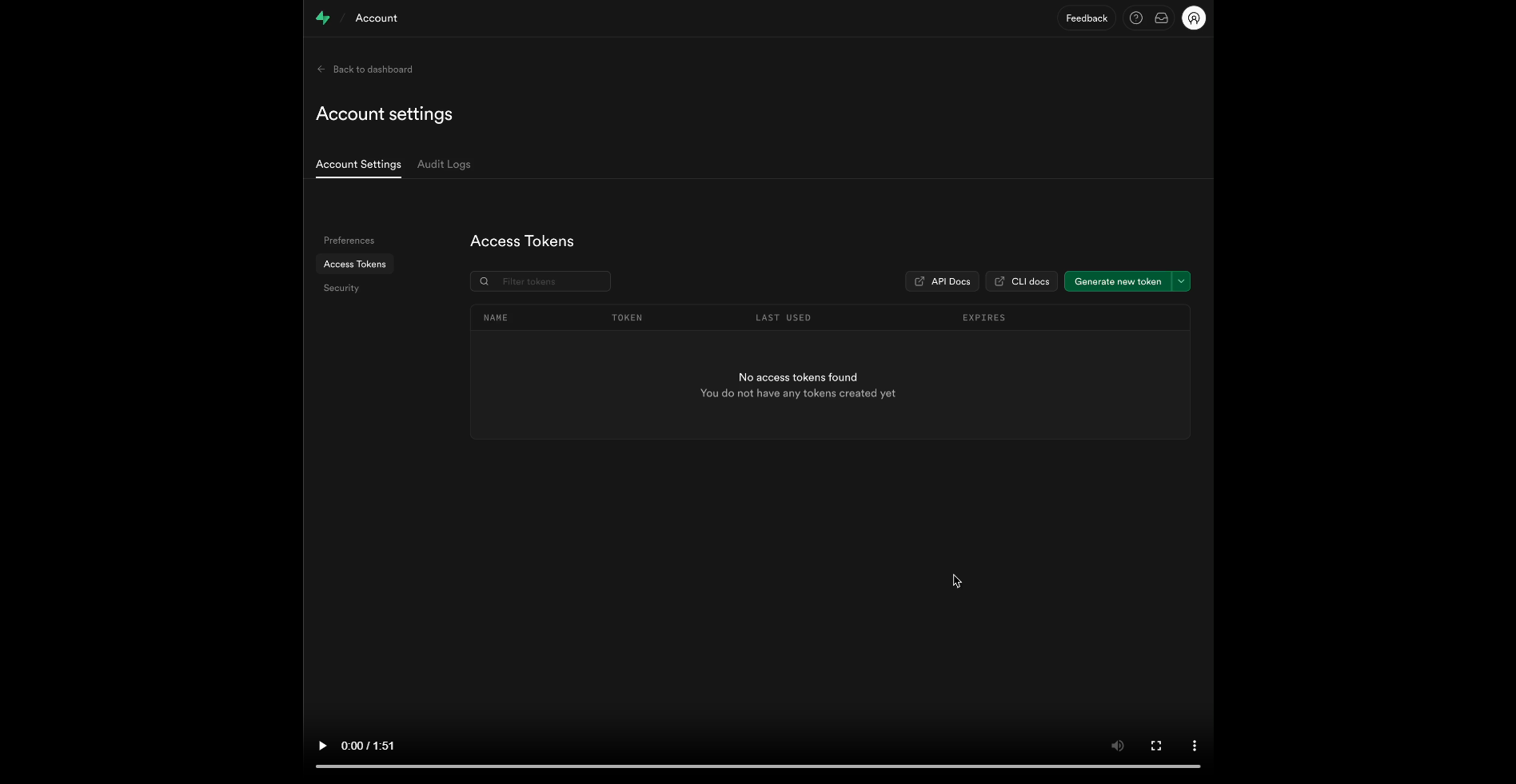
Prefer a scoped personal access token. For a new Kickstart, scope it to the organization that will own the project and grant these permissions. Kickstart lists the account and organization, creates the project, then configures its database, keys, Auth and email function:
| Scope | Access | Why Kickstart needs it |
|---|---|---|
| Organizations | Read | List accessible organizations |
| Projects (account-wide) | Read | List accessible projects |
| Organization Projects | Read-write | Create the new project and inspect available regions |
| Project Settings | Read-write | Read project health and update Auth settings |
| Database | Read-write | Run setup SQL and versioned migrations |
| API Keys | Read-write | Read or create the project's publishable and secret keys |
| API Key Secrets | Read | Reveal the generated secret key privately |
| Auth Config | Read-write | Read and configure Auth |
| Edge Functions | Read-write | Inspect and deploy the signed email hook |
| Edge Function Secrets | Read-write | Inspect and install only the hook's selected secrets |
These names match Supabase's scoped-token permission list. They only narrow your existing Supabase role; they cannot grant access you do not have. Kickstart's --check proves the reads it performs, not future project creation, key creation, SQL writes or function deployment.
For an existing installation, scope project permissions to that exact project. Migration-only maintenance needs Project Settings: Read and Database: Read for npm run kickstart:migrate -- --check; applying pending migrations also needs Database: Read-write. Full Kickstart still performs account discovery, so retain the two account-level read permissions when rerunning it.
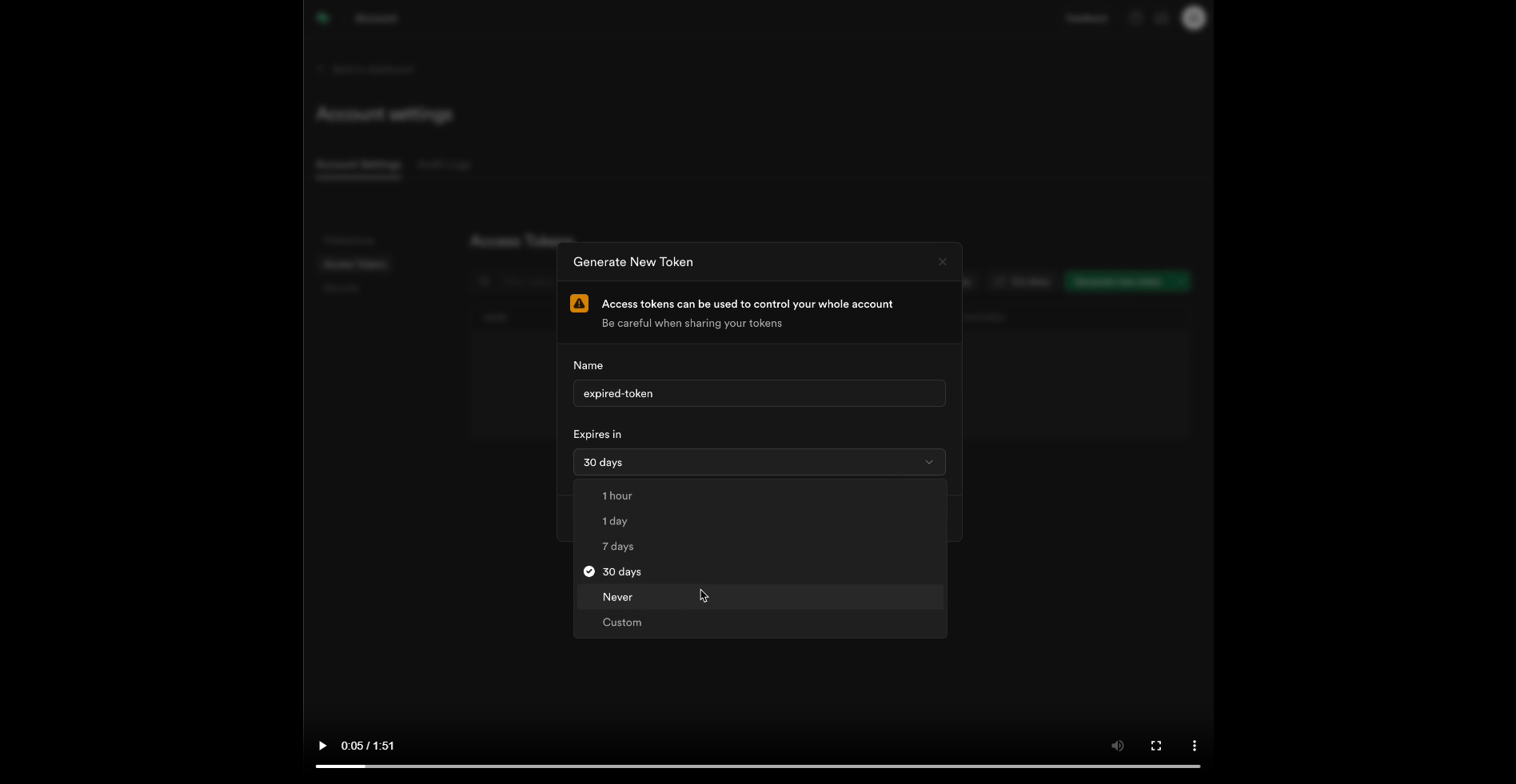
If scoped tokens are unavailable for your account, create a Legacy token instead. It inherits your account's access across all organizations and projects, with no per-permission restriction. Choose an expiry, copy the token once and keep it private. A project publishable or secret API key cannot replace the Management API token.
Optional: connect Supabase directly
If your coding agent supports the hosted Supabase MCP server, you can connect it for ongoing work. Its browser sign-in means you do not need to keep a permanent token in .env. For local CLI work, you can run supabase login and link the repository after Kickstart creates the project. You still need the token in this guide for the initial Kickstart setup.
Keep the management token private
Prefer a scoped token with only the organization and project permissions listed above. A Legacy token instead inherits your full Supabase account access until it expires or you revoke it. Both types belong only in the private local .env; never replace them with a project publishable or secret API key.
Save it in .env
Open the root .env file beside package.json. If it does not exist, copy .env.example to .env. Find the existing SUPABASE_ACCESS_TOKEN= line, paste the token after the equals sign and save the file:
SUPABASE_ACCESS_TOKEN=replace_with_your_supabase_management_tokenReplace the example value with the real token and keep one active SUPABASE_ACCESS_TOKEN line.
You are finished when
SUPABASE_ACCESS_TOKENhas one saved value in the root.envfile.SUPABASE_PROJECT_REF,NEXT_PUBLIC_SUPABASE_URL,NEXT_PUBLIC_SUPABASE_PUBLISHABLE_KEYandSUPABASE_SECRET_KEYremain blank for a new installation. Kickstart fills them in.- The token is only in
.env, following Keep your keys private.
After you add the Stripe test key and Resend key, npm run kickstart:check checks that this token can read your account and organizations. The command does not create the project. Project creation and configuration happen when you run Kickstart.
Template 0.0.1 · September 2026 source snapshot