Ship & Scale is a Next.js SaaS starter with Auth, workspaces, subscriptions and a customizable interface already connected. Start with the infrastructure your product needs and focus on what makes it worth using.
You get the source code and run it on your own provider accounts. Kickstart handles the initial service setup. The example app is called Forma; replace its brand and features with your own.
Start with Tech stack, then follow Setup → Accounts → Configuration → Kickstart.
Who it's for
- Founders building their first SaaS with a coding agent or developer.
- AI builders who want an established architecture and documentation their agent can use.
- Indie hackers launching multiple products without rebuilding the same infrastructure.
How Kickstart works
Three credentials connect your project to Supabase, Stripe and Resend. Kickstart checks access, then creates the services behind your app.
Add your credentials
After cloning and installing the starter, add SUPABASE_ACCESS_TOKEN, STRIPE_TEST_SECRET_KEY and RESEND_API_KEY to your local .env. Accounts and Configuration cover the required permissions. Keep secret values out of chats and source control.
Check access and provision
npm run kickstart:check runs read-only checks. Then npm run kickstart creates your hosted Supabase project with its schema, permissions, Auth, storage and functions. It publishes five Resend email templates, configures Stripe test products, prices, webhooks and the billing portal, and saves generated settings to .env.
Run your app
Run npm run dev and test signup, email and billing. Next.js runs locally against your hosted services. The Kickstart guide covers checks and recovery; deployment follows with GitHub, Vercel and production credentials.
Before launch
The providers' free plans cover building and launching; upgrade Vercel to Pro before you take payments. Customize the product, review content and permissions, and test customer flows using the production launch checklist.
Build with your agent
Download the docs (.md) and give your agent access to your repository. Use this prompt to build context for future features. Agent-Friendly Docs explains how the manual and AGENTS.md work together.
What's in the starter
Each card links to a detailed guide.
Auth
Email/password, magic links, recovery and configurable verification. Google sign-in is available once you connect your OAuth app.
Workspaces
Workspace invitations, switching and Owner, Admin and Member roles. Server checks and database policies keep workspace data isolated.
Subscriptions
Stripe Checkout, recurring plans and a billing portal. Each workspace has its own subscription, with webhooks syncing billing state.
Customer dashboard
A protected app shell with onboarding, profile settings and workspace controls. Reuse its layout and components for your product.
Admin panel
Read-only customer visibility and operator-access management. Access is separate from workspace roles; workspace admins don't automatically get access.
Storage
Private avatars in Supabase Storage and database-backed workspace logos, with upload validation and access policies.
Your member dashboard
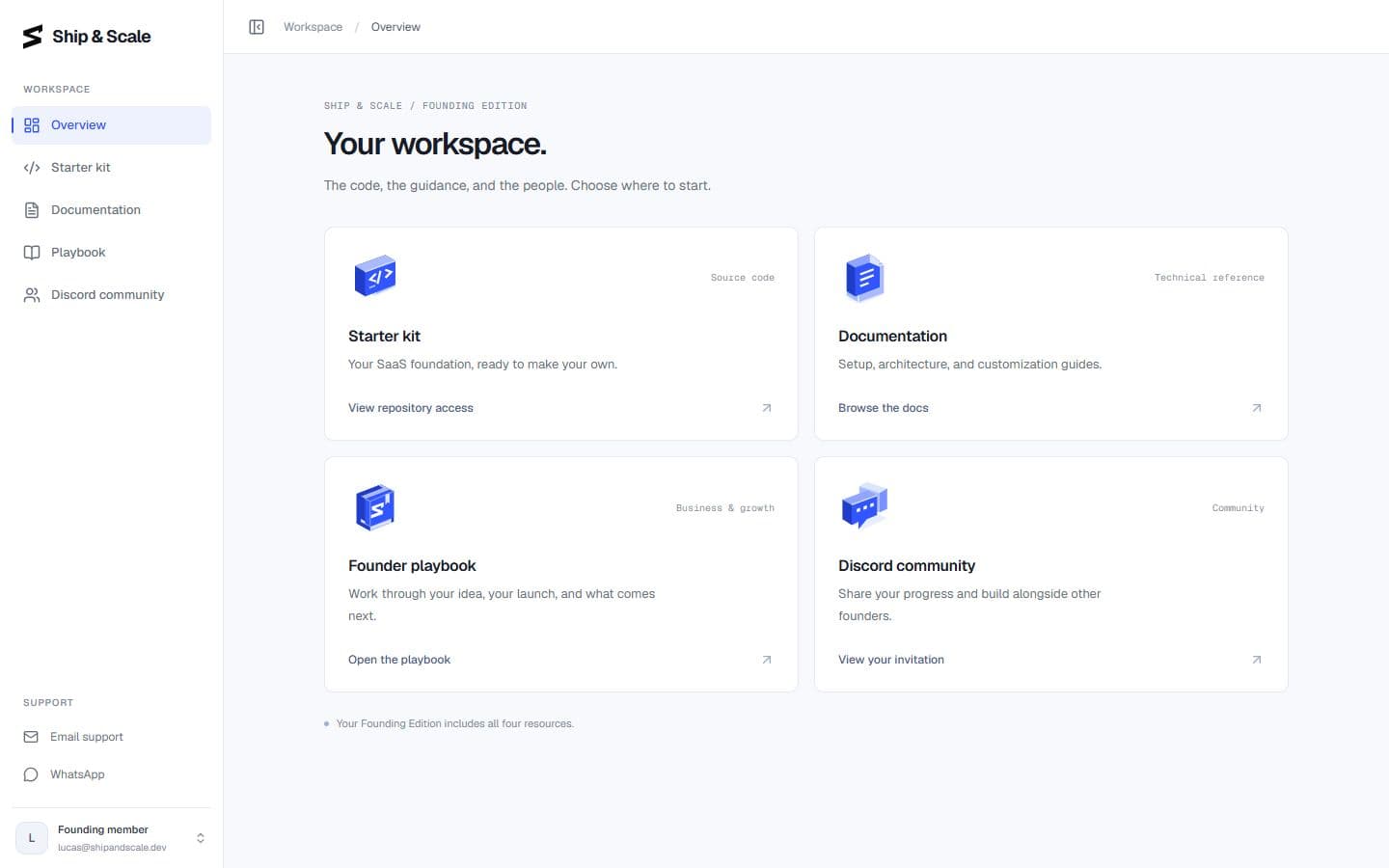
Your Ship & Scale member area contains the Starter kit, Documentation, Founder playbook and Discord community. It's separate from the customer dashboard in your app.
Open Starter kit to connect GitHub and get access to the starter. Setup walks through each step.
Start here
Continue through Tech stack → Setup → Accounts → Configuration → Kickstart to get your local app running. Troubleshooting is available along the way.
Template 0.0.1 · September 2026 source snapshot